
Last subscriber widget
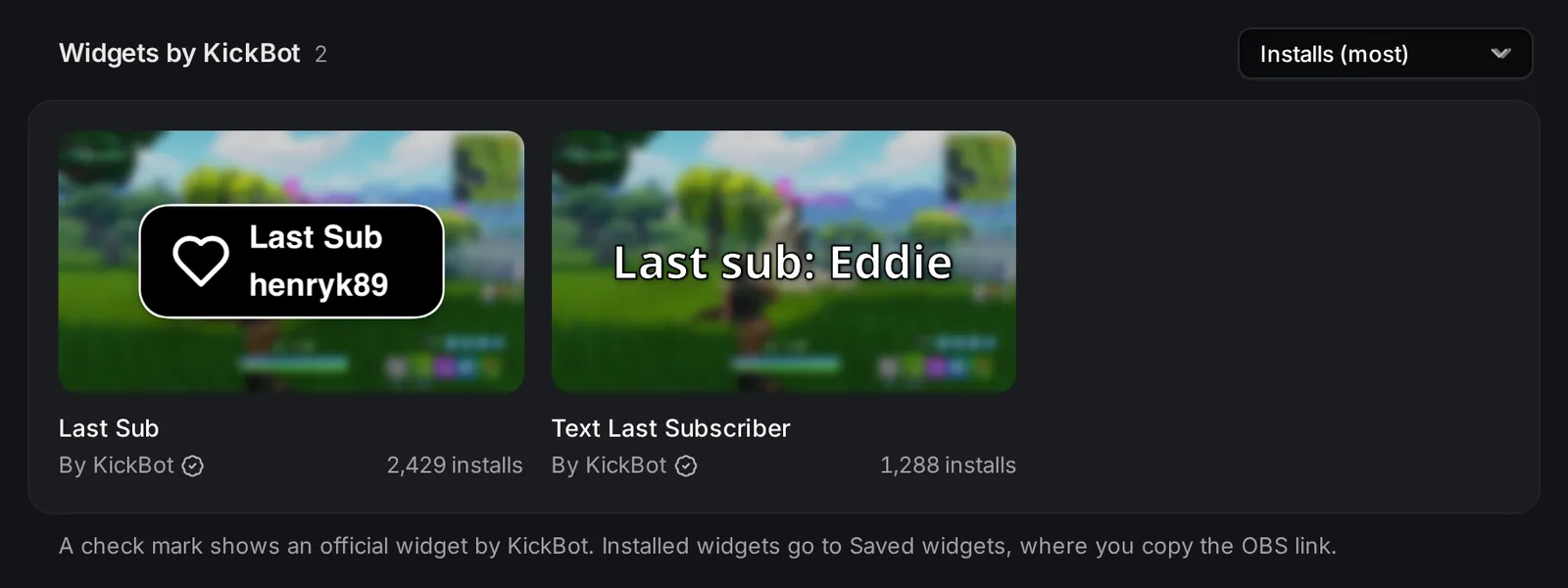
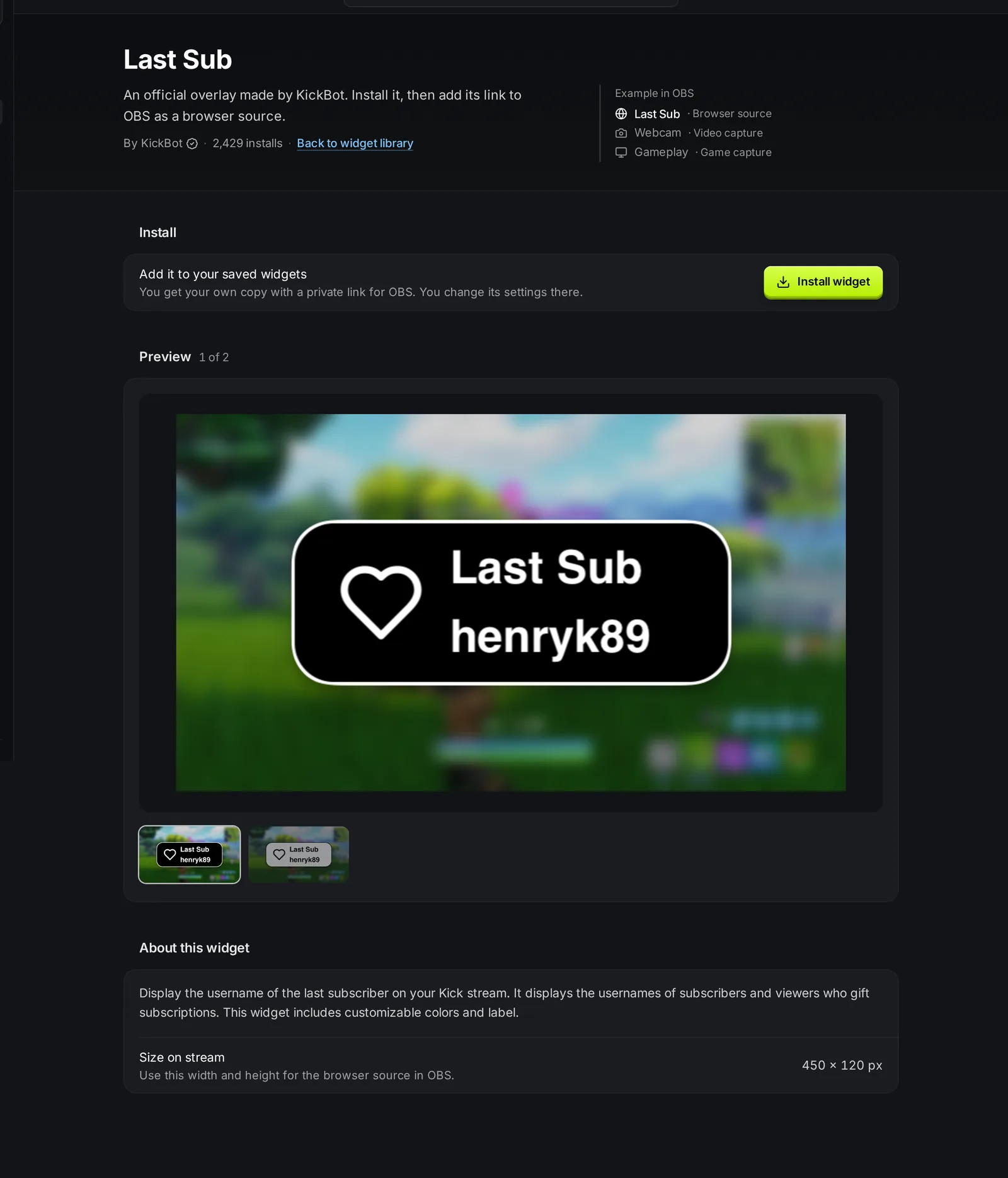
The last subscriber widget shows the name of the newest person who subscribed to your Kick channel, right on your stream. KickBot has two official styles in the widget library: Last Sub, a box with a heart icon, a label and the name, and Text Last Subscriber, plain text such as “Last sub: name”. When someone gifts subs, the widget shows the name of the gifter.
You need a KickBot account with your Kick channel connected.
Add the last subscriber to OBS
Section titled “Add the last subscriber to OBS”- Open the widget library and search last sub.
- Click Last Sub or Text Last Subscriber, then click Install widget.
- Open Saved widgets and click Copy URL on the widget.
- In OBS, add a Browser source and paste the URL.
- Set the width and height: 450 × 120 for Last Sub, or 800 × 200 for Text Last Subscriber. Click OK.
Settings
Section titled “Settings”Click the widget in Saved widgets to change it, then click Save. The widget in OBS reloads with the new settings.
Last Sub (450 × 120):
| Setting | What it does | Default |
|---|---|---|
| Label | The text above the name. | Last Sub |
| Icon Color | Color of the heart icon. | White (#ffffff) |
| Text Color | Color of the text. | #f7f7f7 |
| Outline Color | Color of the border around the box. | White (#ffffff) |
| Background Color | Color of the box. | Black (#000) |
Text Last Subscriber (800 × 200) is text only. You can change the text, the color and the size.
To see a name change in the preview, click Sub or Gifted sub under Test events. Test events do not go to OBS.
What the widget shows
Section titled “What the widget shows”- When someone subscribes, the widget shows their name.
- When someone gifts subs, the widget shows the name of the person who gifted them.
- When OBS loads the widget, it shows your last subscriber.
- If KickBot has not seen a sub yet, the Last Sub widget shows “No subs yet”.
Troubleshooting
Section titled “Troubleshooting”The widget shows “No subs yet”. No one has subscribed since you connected KickBot. The name fills in with the next sub. Click Sub under Test events to check the look in the preview.
A new sub does not show. Right-click the source in OBS and choose Refresh cache of current page, then wait for the next sub.
The name is cut off. Long names can be wider than the widget. Make the browser source wider in OBS, or use Text Last Subscriber, which is 800 pixels wide.
For more help with browser sources, see Add a browser source to OBS.
How do I show my last subscriber on Kick?
Install Last Sub from the KickBot widget library, copy its URL in Saved widgets, and add it to OBS as a Browser source at 450 × 120.
Does the widget show gifted subs?
Yes. For gifted subs, it shows the viewer who gifted them, not the viewers who got them.
Can I show the last follower instead?
Yes. Install Text Last Follower from the widget library. For follower counts and goals, see Follower count.